


Page Builder showcase
Members-only demo of every section type — hero, headings, rich text, dividers, cards, testimonials, slideshow, video, files, forms, and CTAs.
What you can build
This private page is a living catalog of the Coaptive CMS Page Builder. Scroll through to see each section in context. Editors can reorder, expand, and edit every block from Content → Pages.
Layout blocks — Hero, Heading (H2–H4), WYSIWYG, Divider
Media — Slideshow, self-hosted video, YouTube/Vimeo embed
Collections — Cards (grid or carousel), Testimonials
Actions — CTA, Form, File downloads
Access is set to Members only, so guests see the login page at /private until they sign in.
Heading levels
This is an H4 — use for tertiary titles inside a long page
Heading sections are separate from WYSIWYG so you can keep titles consistent with site styling. The rich-text block below supports paragraphs, lists, links, and emphasis without fighting a full document outline.
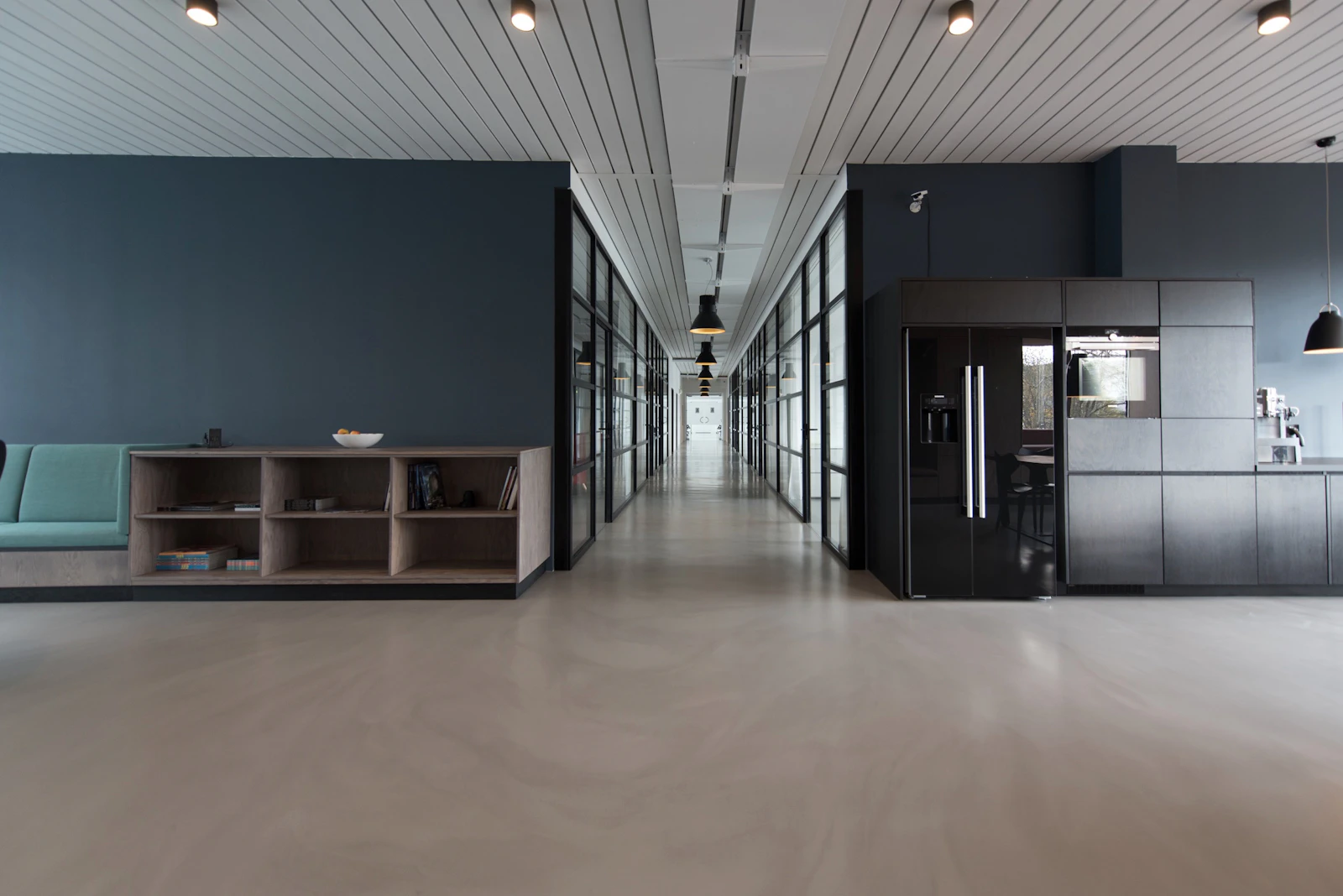
Hero with image background
Same hero section type — switch background to Image, set overlay, and align left / center / right.
Cards — grid (3 columns)
Each card can include an optional image, title, description, and a button or text link. Width is 1–4 columns. Below: a static grid.


Optional image
Cards work without an image — title, body, and link only.

Text-only link
Use link style instead of a button when the action should feel lighter.

No link
Informational cards can omit the link entirely.
Cards — carousel (4 columns)
Same Cards section with layout = carousel. Up to 12 items; each page shows as many cards as your column setting (here: 4). Use the dots to move between pages (autoplay is off by default).



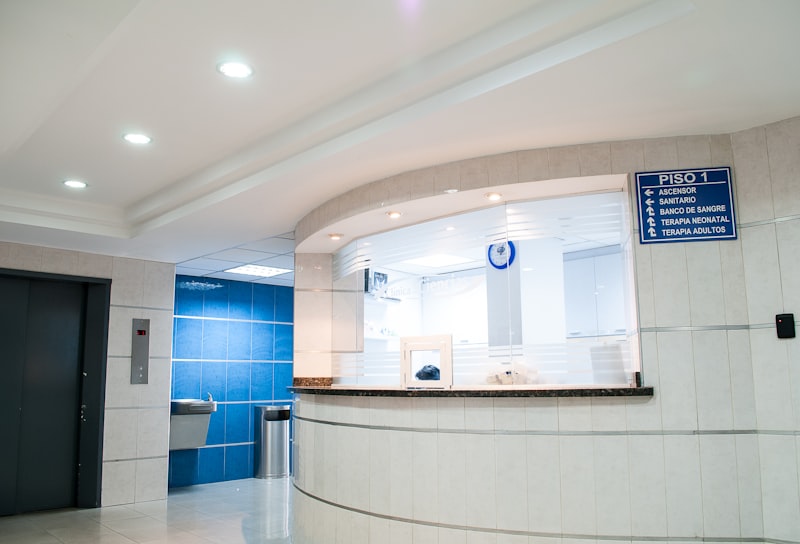




Testimonials
Cycle through quotes with optional avatar, name, and role. Autoplay is off by default — use the dots to switch. The frame keeps a stable min/max height so the page does not jump.

“We replaced a patchwork of tools with one CMS our practice can actually maintain.”



Slideshow
Image carousel with captions. Demo slides use free photos from Unsplash. Autoplay is off by default; the frame uses a fixed height band so scrolling stays put when you change slides.


Video
Video embed accepts YouTube or Vimeo URLs. Video (self-hosted) plays MP4/WebM from the Asset Library — upload a file under Assets → Videos, then set the source (and optional poster) on that section. The embed below is live; add a self-hosted Video section when you have a sample file.
File links
Downloadable PDF, Office, text, and Markdown from the Asset Library (upload your own under Content → Assets → Documents).
Form embed
Any published form slug works here. This demo embeds the site newsletter form.
Ready to edit this page?
Open Content → Pages → Private in the Control Panel. Enable Page Builder (already on), expand any section, drag to reorder, or add more from the catalog.
- New York 40.71280, -74.00600